

Secure checkout. Access after purchase. 

content creator
Get Started — $27.00/year

Annual subscription. Cancel anytime. 

Are you Missing Potential Tax Write-Offs?

Creating content is your business. But tracking equipment purchases, software subscriptions, internet costs, and other business expenses can quickly become overwhelming. 

You may be wondering:

  • Can I deduct my camera, lighting, or editing software?
  • What portion of my internet or phone expenses qualifies?
  • Can I claim a home office deduction?
  • How do I organize my expenses for my tax preparer?

How It Works


1. Answer Simple Questions
Tell the app about your content creation business and the expenses you’ve incurred or purchased.

2. Identify and Organize Expenses
Review potential business deductions and enter the amounts you spent.

3. Review Your Report
Get an organized summary of your expenses to review or share with your tax preparer.

See the Content Creator Write Off Finder in Action

equipment expenses

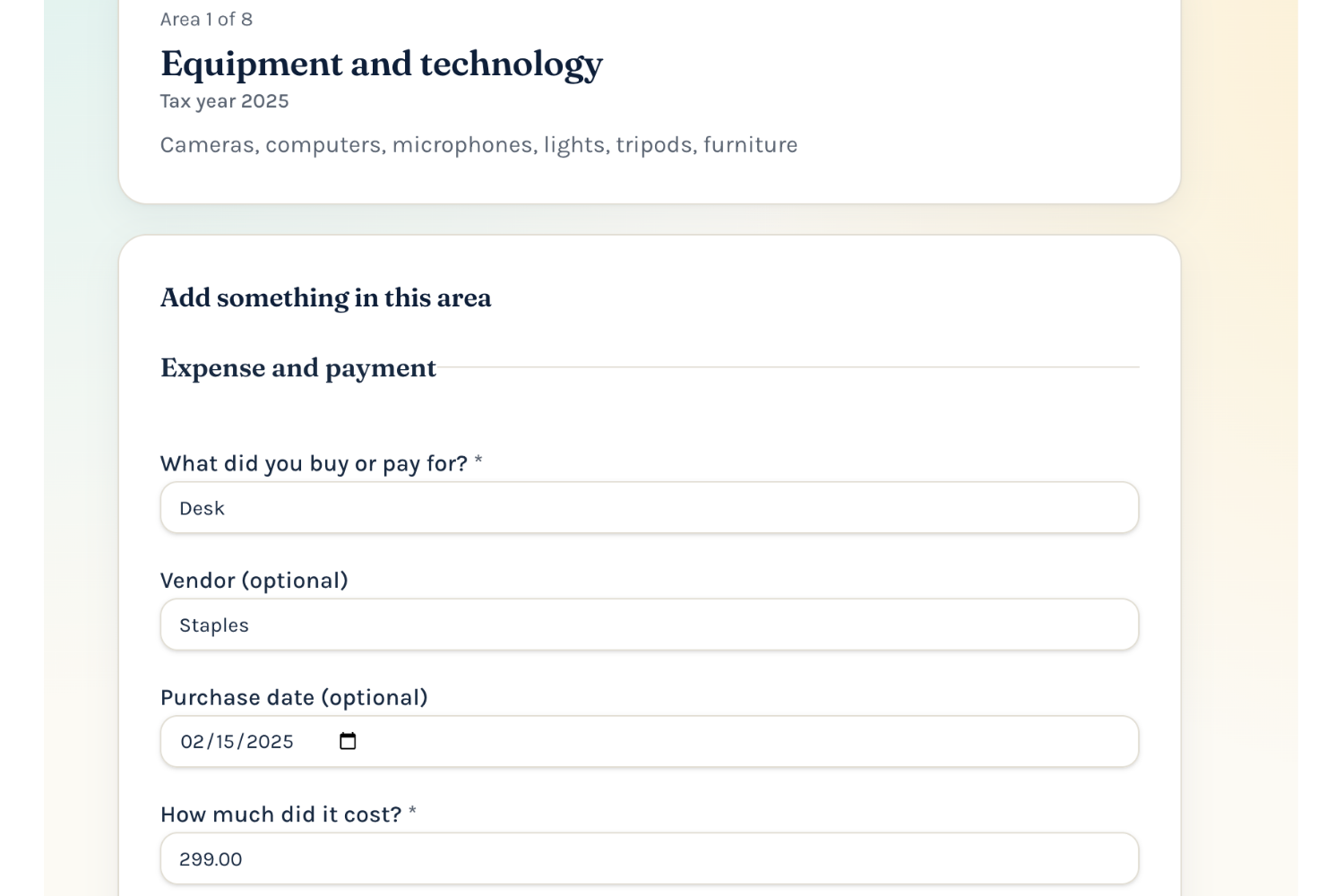
1. Track Your Business Expenses

Organize equipment, software, subscriptions, and other business purchases in one place. 

content creator tax deductions

2. Compare Home Office Deduction Methods

See side-by-side estimates of the simplified and actual-expense methods to help you and your tax preparer evaluate which method may be more beneficial. 

content create write off expenses

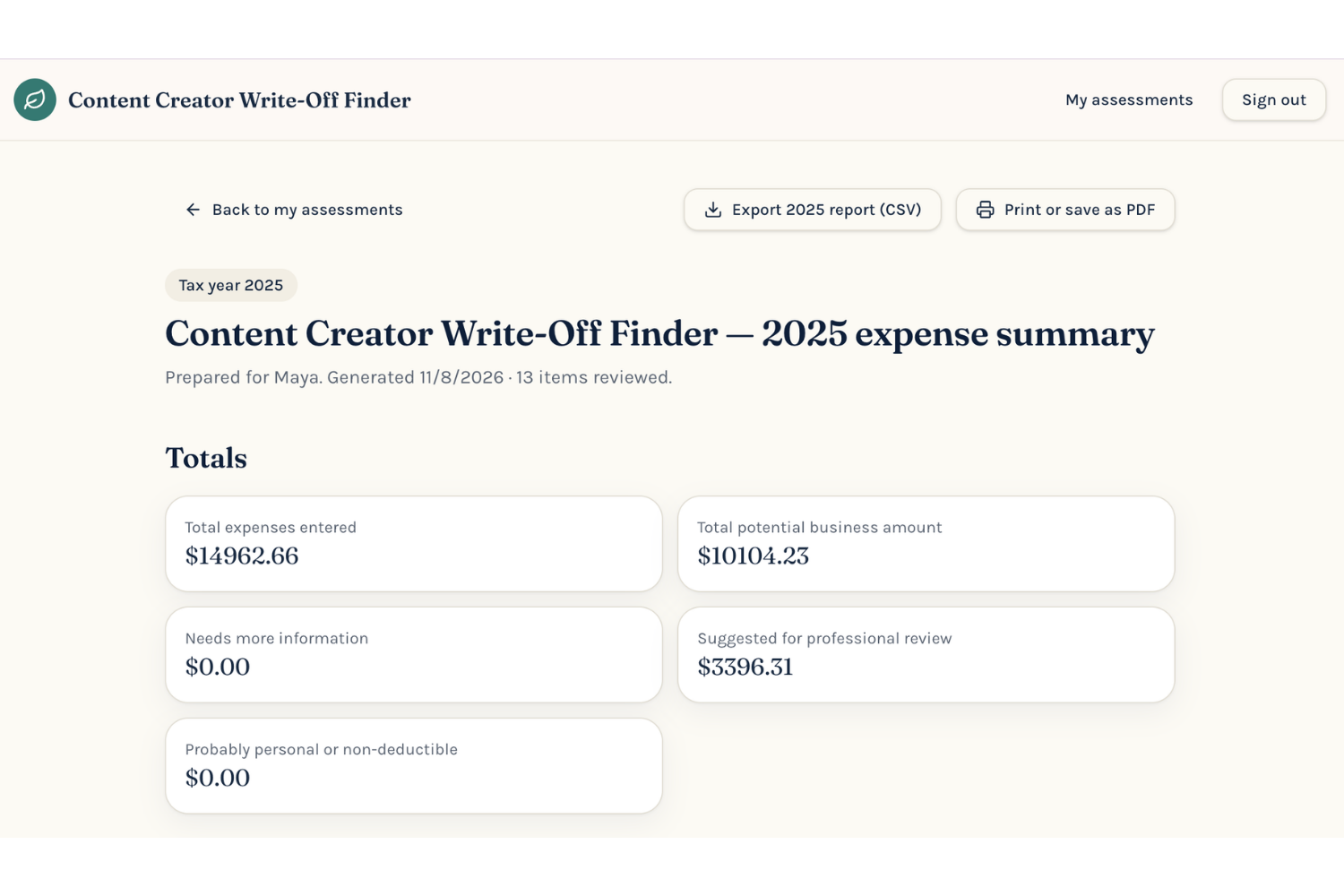
3. Create a Tax-Ready Expense Summary

Download your organized expense report as a PDF or CSV to review with your tax preparer.  

Note:  All figures are potential deductions, not guaranteed savings. 

content creators

Simple to use. Designed for content creators. No accounting experience required. 

Get Access—$27/year

Annual subscription – Secure checkout – Access after purchase